Talli
Offline check-in and sync
Check-in keeps working when the phone has no signal. Every scan is saved on the phone, sent to Talli when the phone is back online, and counted once. For the same on the web, and for organizers' view of each phone, see Devices and offline check-in.
Without signal
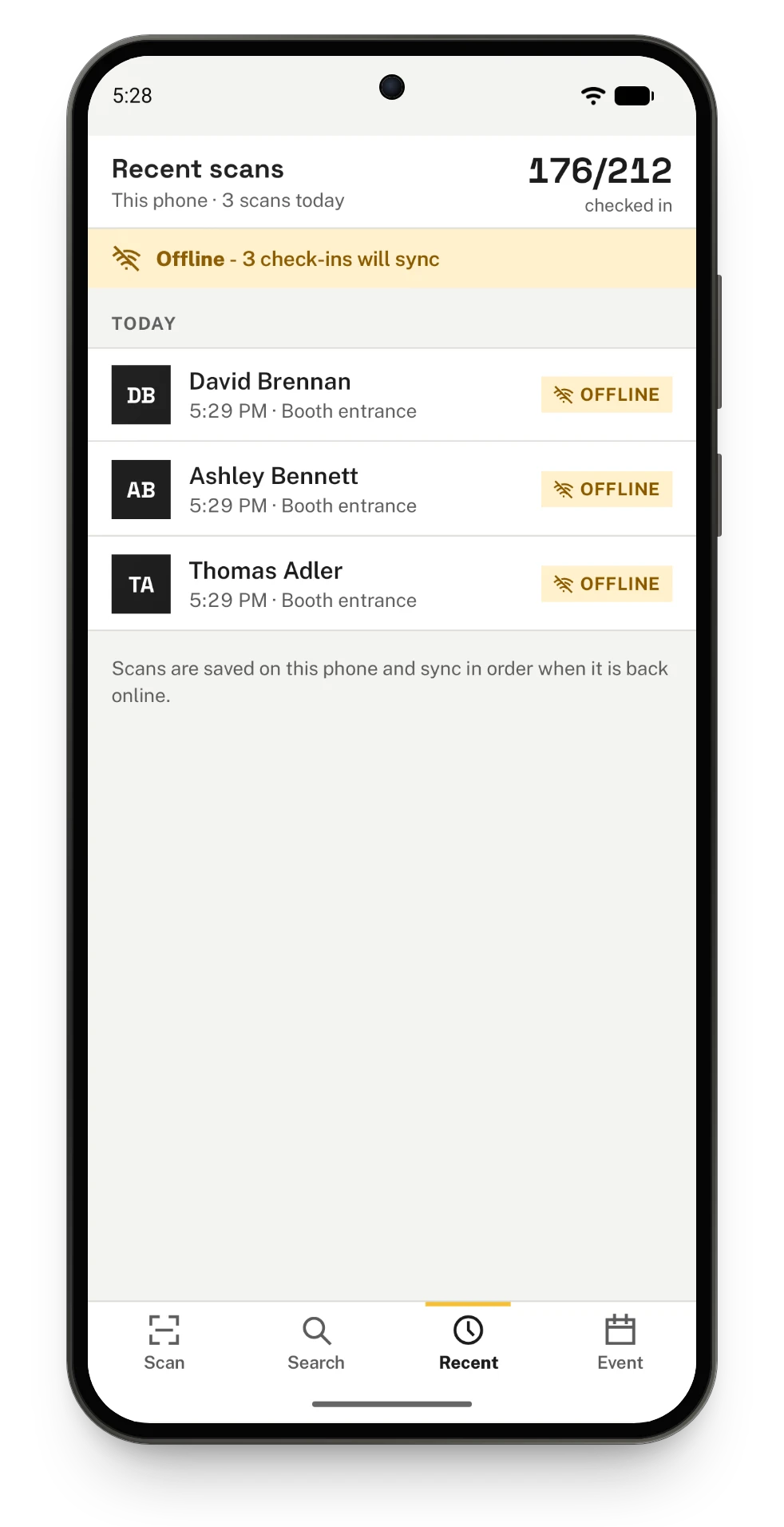
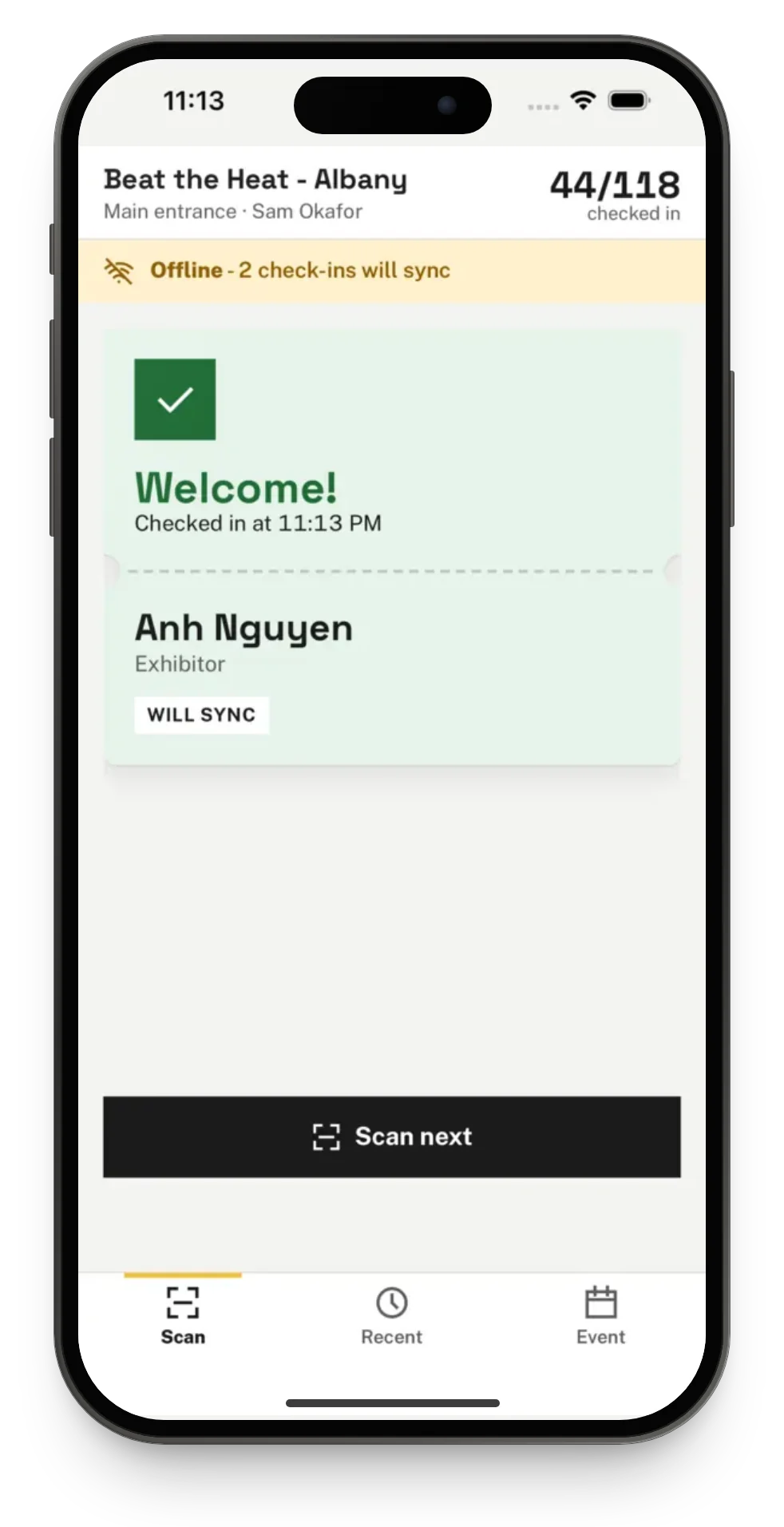
When the phone has no signal, scanning keeps working. The phone decides from the attendee list it saved, and the result card shows Will sync. A banner says how many check-ins are waiting, for example "Offline - 4 check-ins will sync".
Every scan is saved on the phone the moment it happens, before anything is sent. Closing the app, or the phone restarting, does not lose a scan.
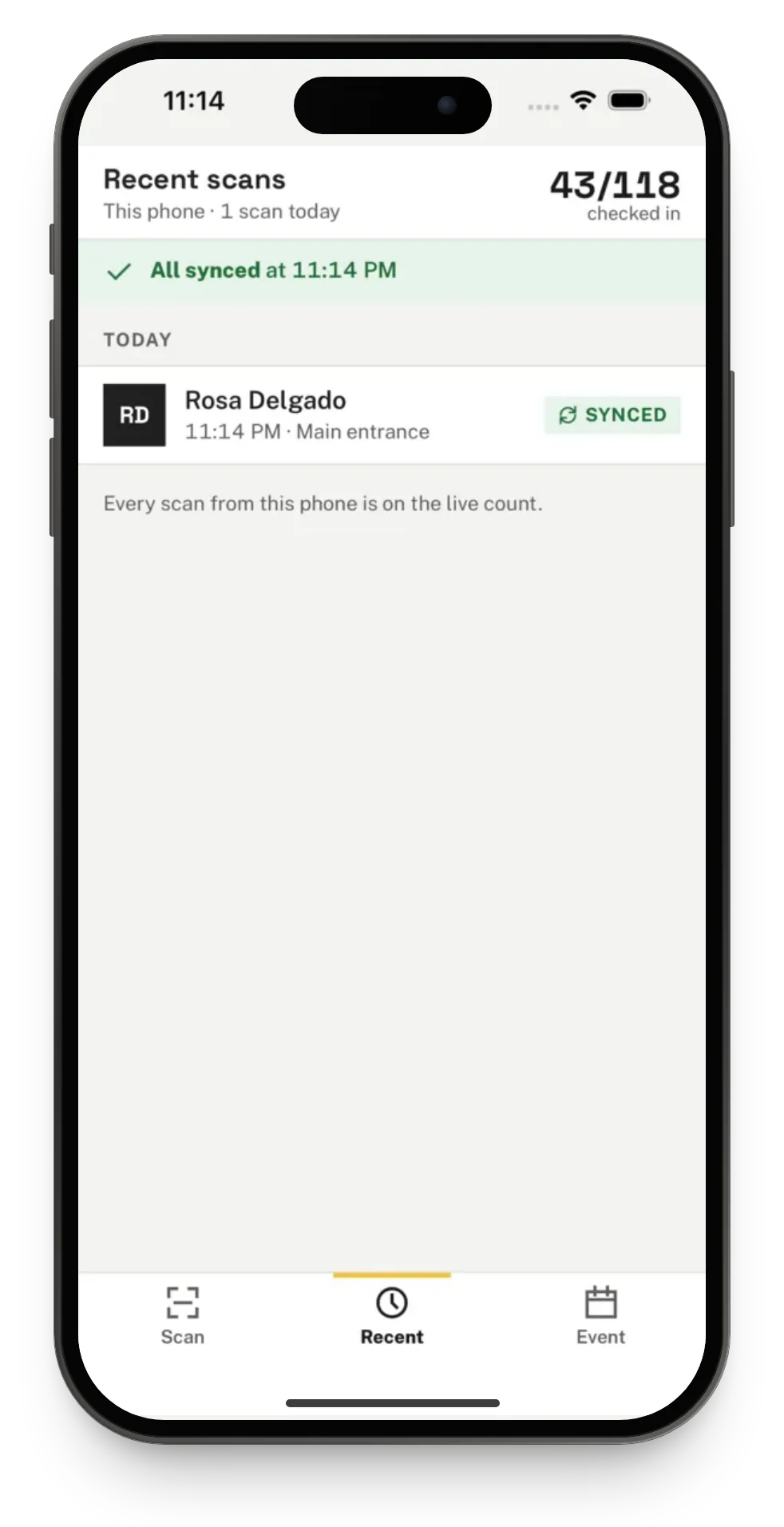
When the phone is back online, the waiting scans are sent in the order they were made, and the banner says All synced with the time. If another phone or a browser checked the same person in first, the first scan counts and the later one shows as Already in.
Searching by name also works without signal; see Check people in at a door.
Recent scans
The Recent tab lists this phone's scans at the event, newest first, with where each one stands:
- Checked in or Synced: the person is on the live count.
- Already in: someone scanned this ticket earlier; the row says when and who.
- Offline: saved on the phone, waiting to be sent.
- Couldn't sync: Talli did not check the person in, for example because their ticket was cancelled or moved to another event while the phone was offline.
When some scans could not sync, the banner says how many, and Review shows only those. From the review, Try sending again sends them once more, for example after an event that was closed for a moment is open again. Pull down on the list to send waiting scans right away.
Signing out with scans waiting
The app does not sign out or switch events while scans have not reached Talli; see Getting started with the Talli app.
How the phone reports in
While the app is open and you are signed in, the phone reports in to Talli every minute, whatever tab is showing, and again after each sync and when the app comes back to the front. It reports how many scans it holds, its battery level and the event it works at. Organizers see this on the Devices page in Talli on the web, where they can also sign a lost phone out; see Devices and offline check-in.
On Android
On an Android phone, waiting scans also sync in the background. If the app is closed, or Android stops it, while scans are waiting, Android sends them as soon as the phone is back online, without the app being opened again. The next time the app opens, the Recent tab shows them as Synced.
Everything else on this page works the same as on iPhone.