 Talli
Accessibility
The Talli app is built so that door staff and ticket holders can use it with assistive technology and at large text sizes.
Screen readers and other input
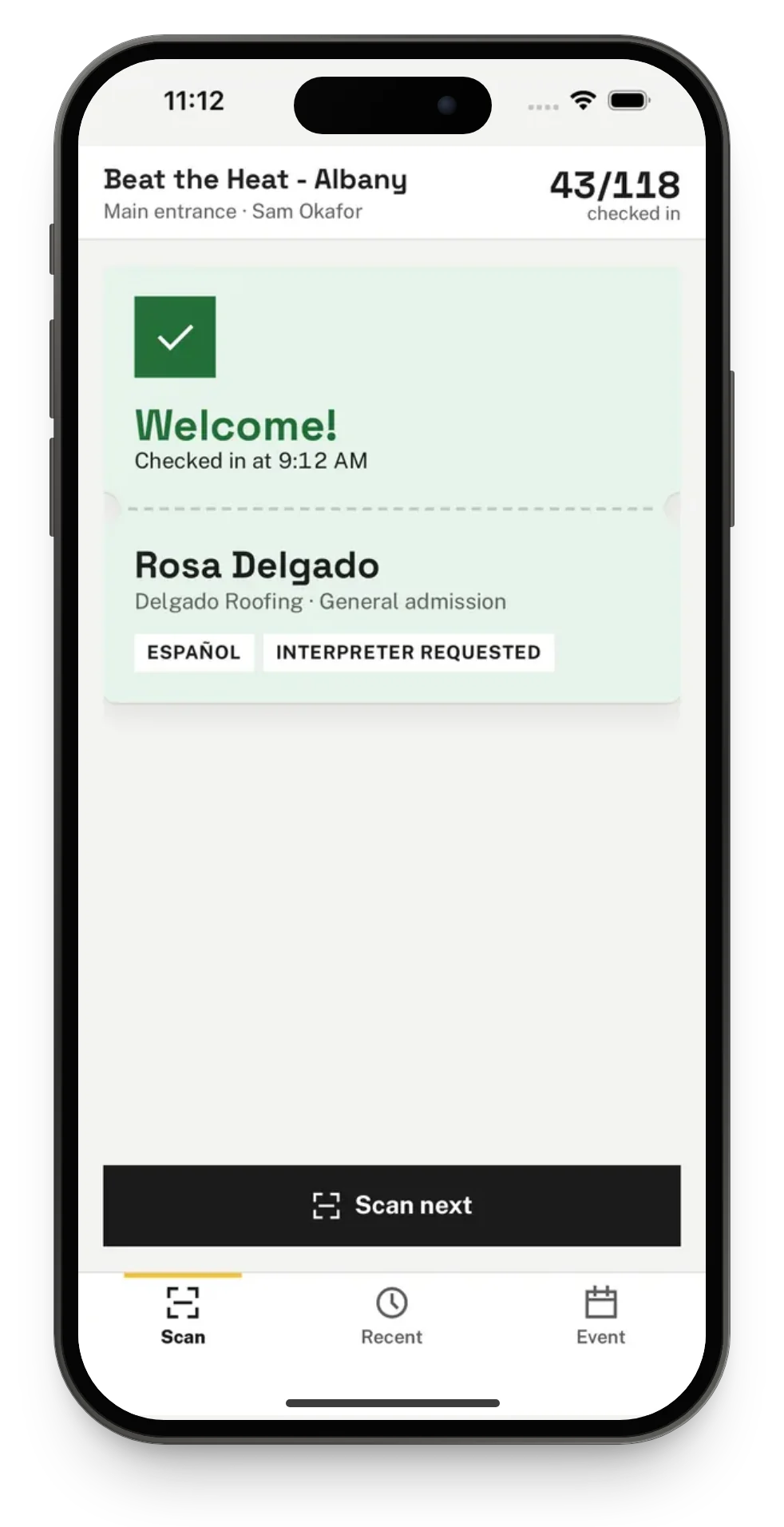
Talli works with VoiceOver on iPhone. With VoiceOver on, the app reads each scan result aloud, for example "Welcome! Rosa Delgado, checked in at 9:12 AM". It is designed for Voice Control and Full Keyboard Access too, which have not yet been tested on a device. Every button and row is named, and every button is at least 44 by 44 points.
Text size
Text follows the phone's text size, up to the largest accessibility sizes. At large sizes rows stack their parts instead of cutting words off, and a long ticket code wraps onto more lines. At the largest sizes a ticket code can break inside one of its groups.
Color and feedback
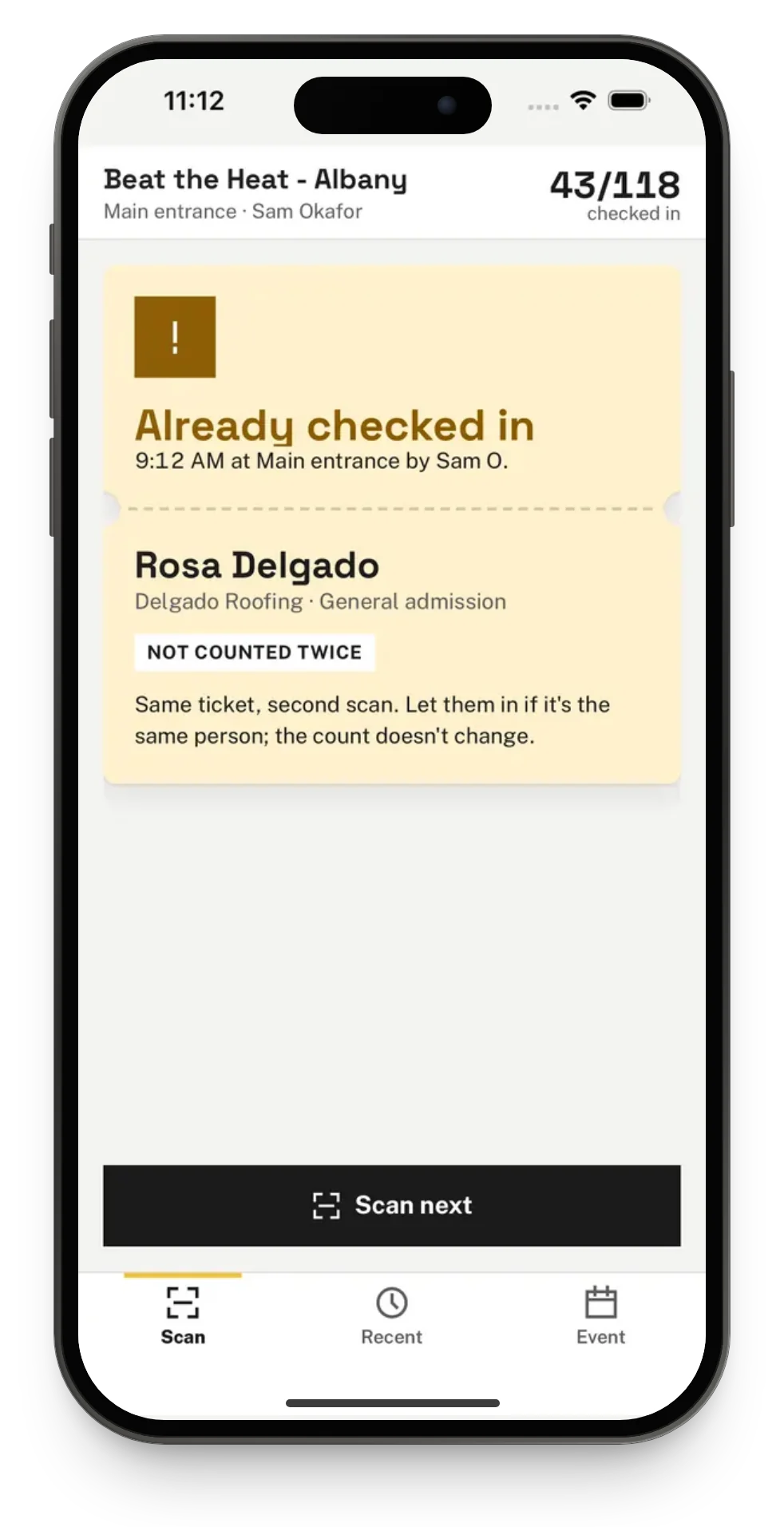
Colors meet WCAG contrast. No result is told by color alone: each one has its own words and its own vibration; see Check people in at a door.
How it is tested
The test suite checks the screens, the door staff's and the ticket holder's, with Apple's accessibility audit on iPhone, at the standard text size and at an accessibility size.