 Talli
Check people in to a session
At an event with sessions, check people in to a session from the app the same way as at a door, and Talli records the session and any credit it gives. Door check-in is described in Check people in at a door.
Choose a session
At an event with sessions, the Event tab lists them under Sessions, by start time, with their room and time. Sessions that ask people to sign up first are marked Sign-up required. Sessions that already ended are not listed.
- On the Event tab, tap the session you are working at.
- The app opens the Scan tab there; the top of the screen names the session and its room.
- Scan tickets, type codes or search by name as at a door. Each check-in also checks the person in to the session, and records any credit the session gives.
Search at a session
At a session, the Search list is about that session. People already checked in at the event, for example at the main entrance, still show Check in. Someone another phone already checked in to the session is also offered, and the result card then says Already checked in, so nobody is counted twice.
People who did not sign up
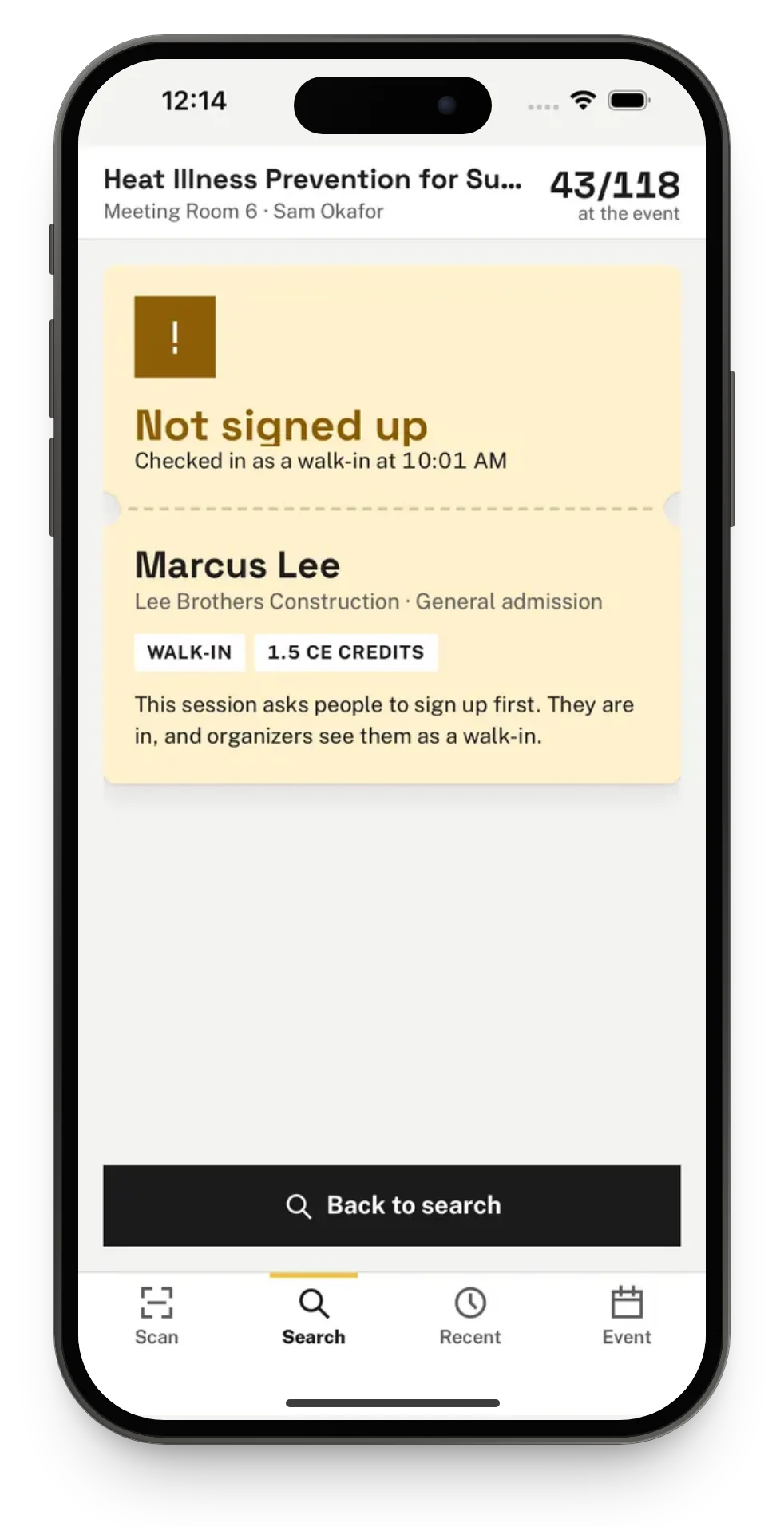
Someone who did not sign up for a session that asks for sign-up is still let in. The result card says Not signed up, in amber, and shows them as a walk-in, so organizers can see who came without a seat. A scan at a door never checks anyone in to a session.
Go back to a door
To go back to a door, tap it under Where are you standing? on the Event tab. Changing where you stand within the same event keeps every scan on the phone as it is.